Aspect Ratio
---import { AspectRatio } from "@/components/starwind/aspect-ratio";---
<AspectRatio ratio={16 / 9}>  <img    src="https://images.unsplash.com/photo-1588345921523-c2dcdb7f1dcd?w=800&dpr=2&q=80"    alt="Photo by Drew Beamer"    class="rounded-md object-cover w-full h-full"  /></AspectRatio>
import { AspectRatio } from "@/components/starwind/aspect-ratio";
export function Example() { return ( <AspectRatio ratio={16 / 9}> <img src="https://images.unsplash.com/photo-1588345921523-c2dcdb7f1dcd?w=800&dpr=2&q=80" alt="Photo by Drew Beamer" className="rounded-md object-cover w-full h-full" /> </AspectRatio> );}Installation
pnpx starwind@latest add aspect-rationpx starwind@latest add aspect-ratioyarn dlx starwind@latest add aspect-ratioFramework Availability
Astro Available React AvailableAspect Ratio is available for Astro and React.
Usage
16:9 Ratio (Default Video)
16:9 Aspect Ratio
---import { AspectRatio } from "@/components/starwind/aspect-ratio";---
<AspectRatio ratio={16 / 9}>  <div class="flex items-center justify-center w-full h-full bg-muted rounded-md">    <span class="text-sm text-muted-foreground">16:9 Aspect Ratio</span>  </div></AspectRatio>
4:3 Ratio (Classic Photo)
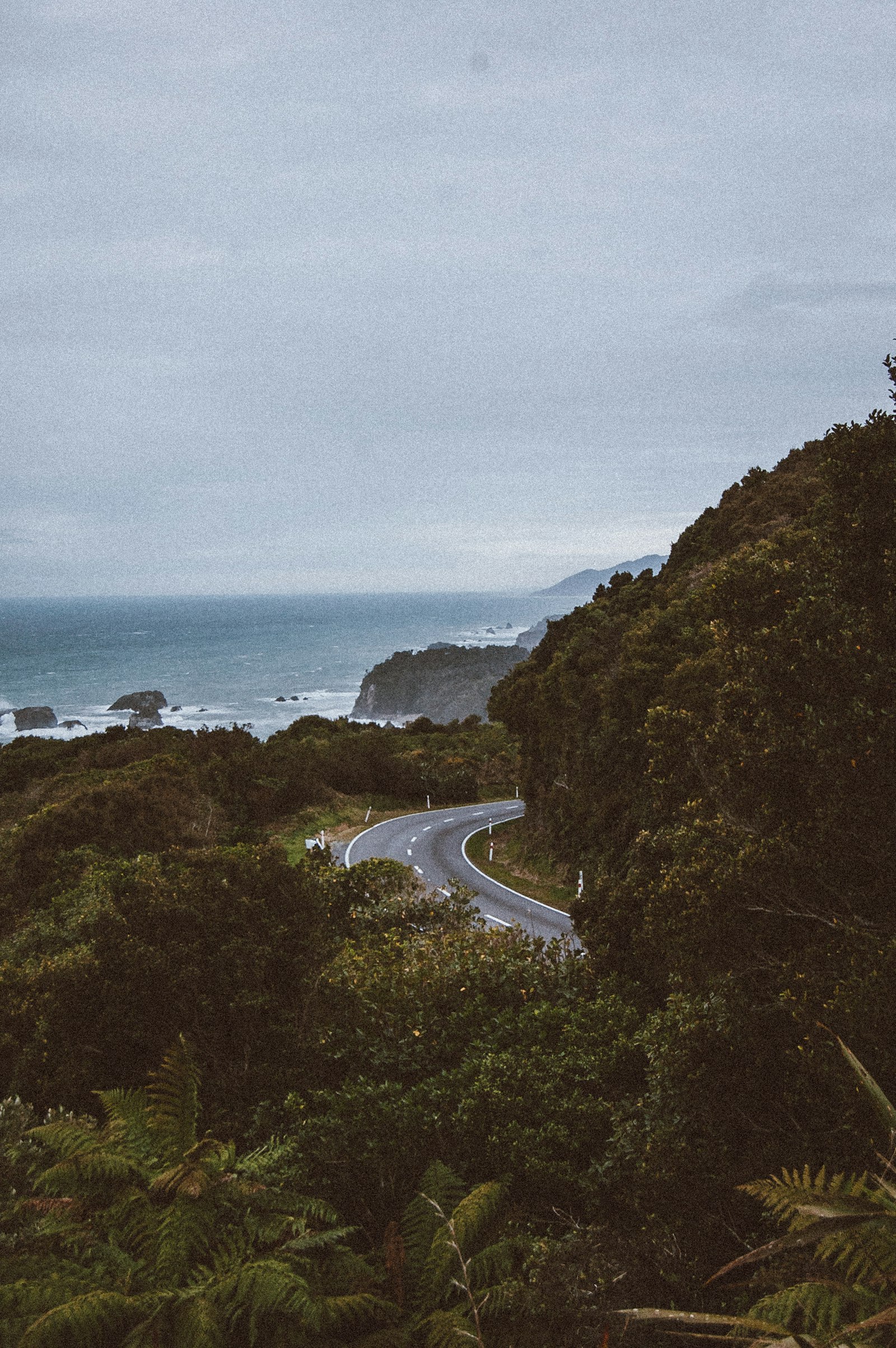
---import { AspectRatio } from "@/components/starwind/aspect-ratio";---
<AspectRatio ratio={4 / 3}>  <img    src="https://images.unsplash.com/photo-1535025183041-0991a977e25b?w=800&dpr=2&q=80"    alt="Photo by Kari Shea"    class="rounded-md object-cover w-full h-full"  /></AspectRatio>
1:1 Ratio (Square)

---import { AspectRatio } from "@/components/starwind/aspect-ratio";---
<AspectRatio ratio={1}>  <img    src="https://images.unsplash.com/photo-1472099645785-5658abf4ff4e?w=800&dpr=2&q=80"    alt="Photo by Ayo Ogunseinde"    class="rounded-md object-cover w-full h-full"  /></AspectRatio>
21:9 Ratio (Ultrawide)
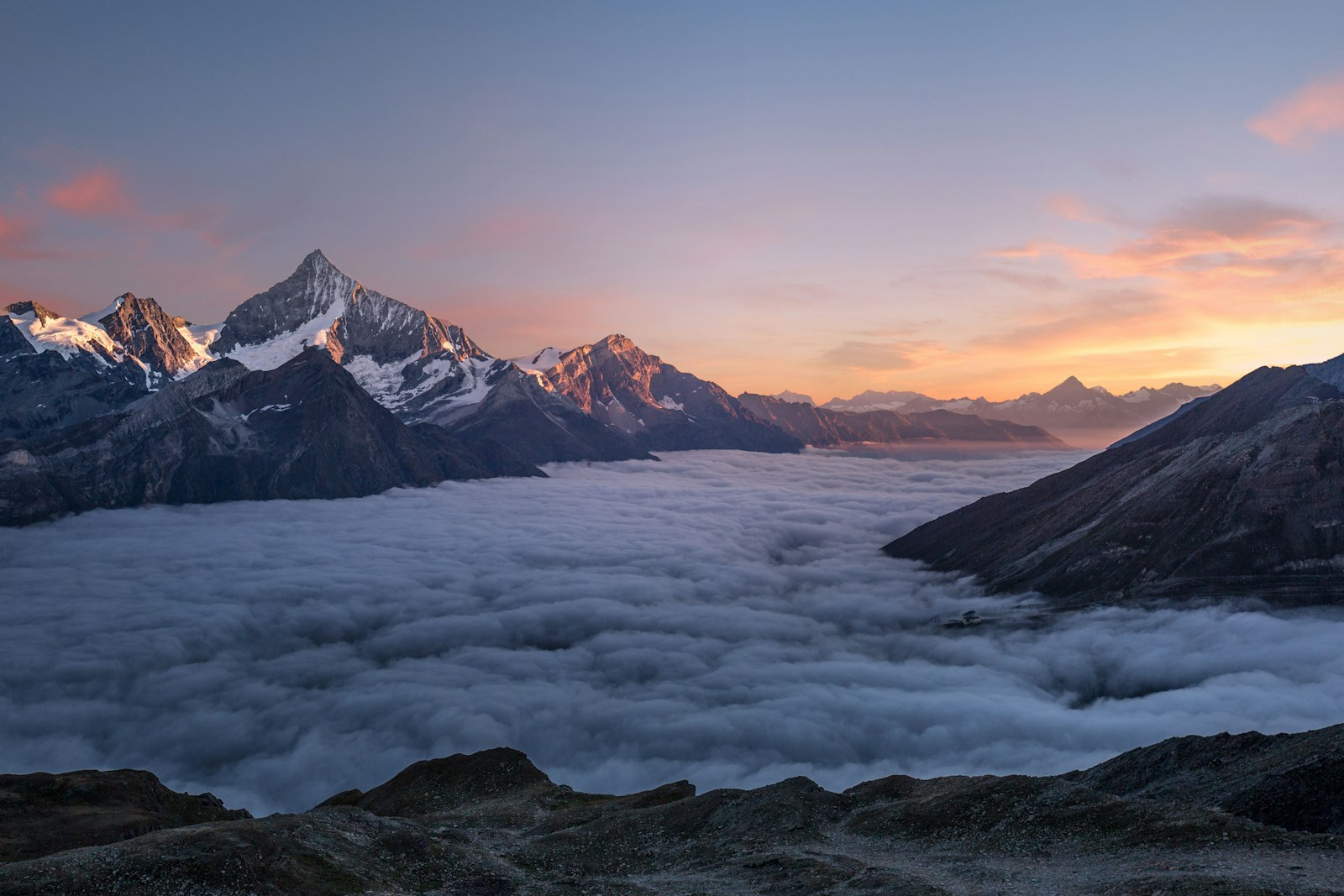
---import { AspectRatio } from "@/components/starwind/aspect-ratio";---
<AspectRatio ratio={21 / 9}>  <img    src="https://images.unsplash.com/photo-1506905925346-21bda4d32df4?w=800&dpr=2&q=80"    alt="Photo by Simon Berger"    class="rounded-md object-cover w-full h-full"  /></AspectRatio>
With Video
---import { AspectRatio } from "@/components/starwind/aspect-ratio";---
<AspectRatio ratio={16 / 9}>  <iframe    src="https://www.youtube.com/embed/dQw4w9WgXcQ"    title="YouTube video player"    allow="accelerometer; autoplay; clipboard-write; encrypted-media; gyroscope; picture-in-picture"    class="w-full h-full rounded-md"  ></iframe></AspectRatio>
API Reference
Styled Component API
These props are added or materially changed by the installed Astro styled component. Standard HTML attributes remain available through the inherited interfaces noted below. Follow the Primitive and Runtime links for lower-level behavior props.
Aspect Ratio
Inherits div attributes.
Contains the following additional props:
Prop Type Default Toggle details
as keyof HTMLElementTagNameMap "div"
- Description
- Selects the rendered element or component.
- Classification
- Wrapper prop
ratio number 1
- Description
- Sets the rendered width-to-height ratio.
- Classification
- Wrapper prop
Changelog
v1.1.0
- Added contract-generated Astro and React implementations while preserving the component’s existing public API and styling.
v1.0.3
- Refactor tailwind variants functions into separate
variants.tsfile
v1.0.0
- Initial release with starwind v1.10.0